What is a 3D printer and why is it needed?
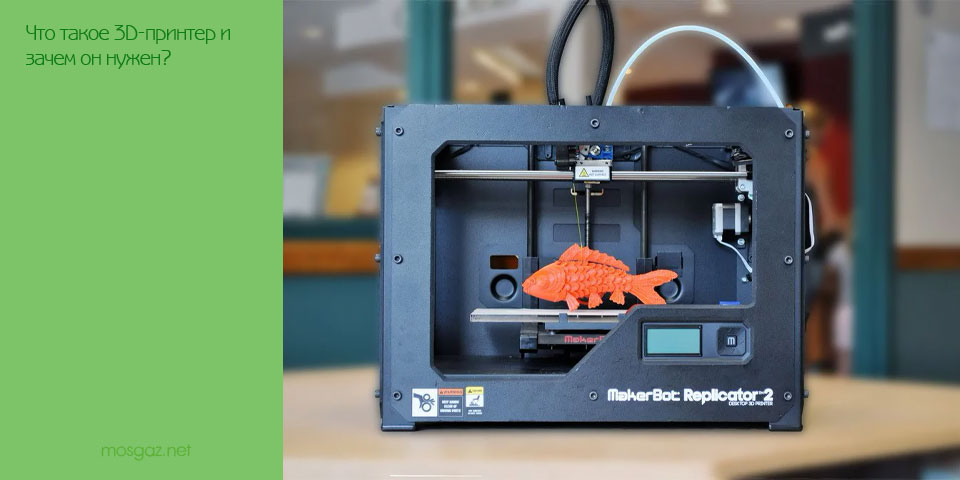
Lamination technology has long been popular. The institutes and research centers have been working closely together since the 1980s. Now is the time when you can learn 3D printing from the comfort of your home, with a touch of high technology. You don’t even have to break the bank to do this. 3D printer prices are catching up with the average smartphone. Understand how it works and the possibilities it offers for creators and DIY enthusiasts. Although 3D printing services highly automated and with sophisticated software to facilitate each stage of production, they still require a ton of manual labor.
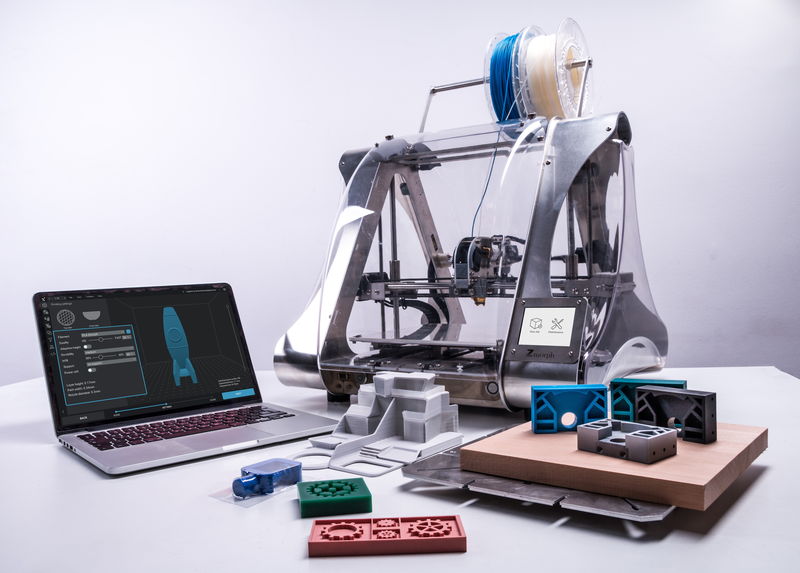
All about 3D printing
Why do you need a 3D printer?
Printers are extremely useful for DIY engineers. No more searching for a universal housing for your project and drilling additional holes in it. 30 minutes of design and a few hours of printing – and you already have the perfect case for your device. An assembly of five shields doesn’t fit anywhere? Forget about such problems.
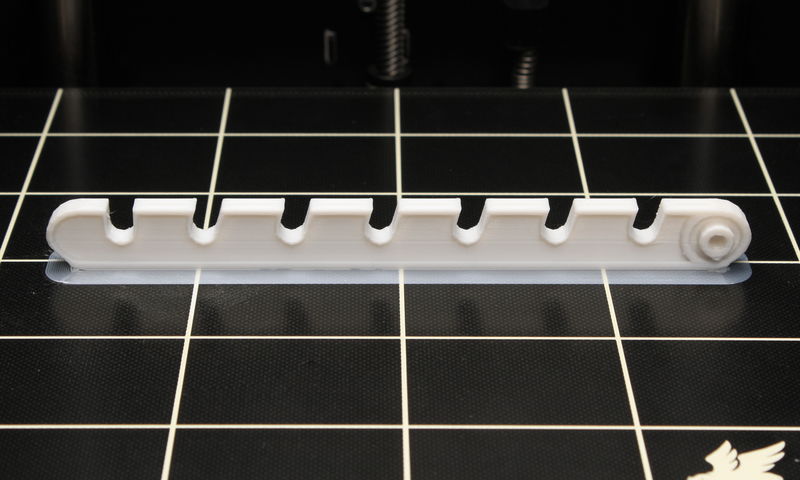
The printer will definitely help you in repairing appliances throughout your home. We all have situations when we have to throw away things, even if one plastic part has just broken. With the help of 3D printing, you can easily replace rare plastic parts of devices that are difficult to find individually.
Plastic parts can be easily downloaded online until you learn how to model them yourself. There are many sites with millions of ready-made free models that users can freely replace. The search for models is discussed in a separate article.

What are the types of 3D printers?
There are several main types of 3D printers, which differ radically in their capabilities.
FDM (Fused Deposition Modeling) technology
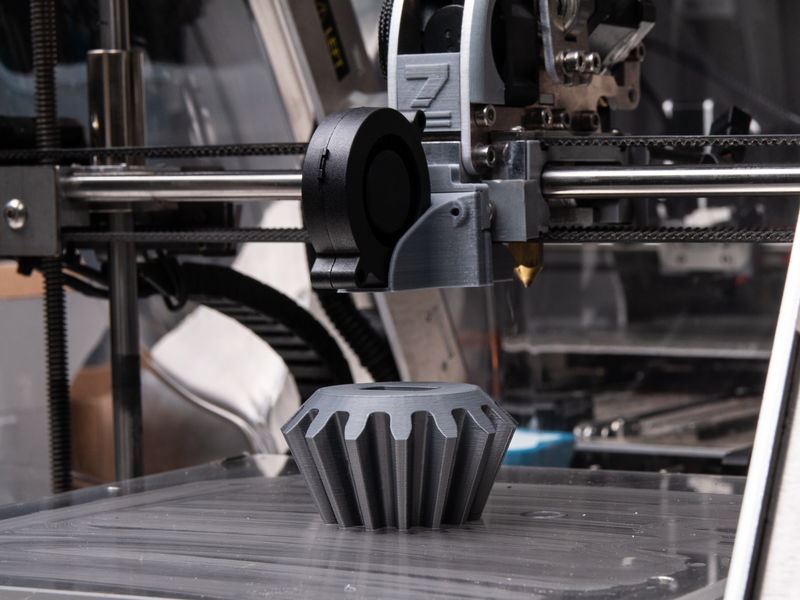
The most common type is the FDM printer, which deposits plastic layer by layer. They operate using a movable print head with heating elements. The plastic is supplied in the form of rods, which are melted and extruded into liquid form onto the printing bed. At the same time, the plastic is blown by a fan and instantly hardens, and the head begins to squeeze out a new layer on top of the hardened one.
SLA technology (Stereolithography Apparatus)
SLA printers work based on stereolithography. Instead of plastic, special photopolymer resins are used here, which are cured under the influence of ultraviolet light. To print, resin is poured into a tray, under which there is a display with UV pixels. The drawing of the bottom layer of the model is displayed within a few seconds. In this case, the resin above the display hardens into the shape of the displayed design, which is then fixed on a special movable table. Then the table with the first layer is raised, and the next layer is polymerized with resin.

SLS (Selective Laser Sintering) technology
The SLS printer uses selective laser sintering technology, which uses special plastic powders. During the printing process, a thin layer of powder is poured in and the printer lasers it to harden it to match the model. Then the next layer of powder is poured and fused with the previous layer – in the form of a circle. Finally, the finished part is simply cleaned of powder residue and can be reused.

Technology comparison
Each type of 3D printer has its own advantages and disadvantages.
- SLS printers are large and require expensive raw materials. They are often used to make components in high-tech industries.
- SLA printers are much more widespread. UV indicators improve accuracy, but toxic photopolymer resins can be difficult to work with at home.
- FDM printers are the most popular among enthusiasts. Plastic rods are much cheaper than special powders or photopolymer resins. However, printing complex geometric shapes on such printers requires attention to auxiliary supports. Additionally, printing speeds are on average slower than other technologies. However, FDM printers are the easiest and safest to maintain.
How to prepare a seal
The process from the inception of an idea to the release of a finished plastic part is simple and within the capabilities of students. The Flying Bear Ghost 5 printer was covered in detail in the 3D printing guide as an example, but here are some general principles.
Original model
First you need to create or upload a 3D model of the future part. As a rule, the source is saved in STL format, in which the polygonal structure of the model is described as a series of triangles. However, such files cannot be sent to the printer immediately. To print successfully, a detailed 3D model must first be separated into layers that can be processed by the printer.
Slicing
The program for cutting the model (slicer) must enter the printer model and set the printing parameters: layer thickness, internal filling of the part, auxiliary supports, etc. Based on this data, the slicer automatically prepares a special code for the printer – the G-code describes how the print head should work, at what temperature it should be heated and at what speed the plastic should be extruded. Desired model for each layer. This code is then loaded into the 3D printer and held until printing is completed.
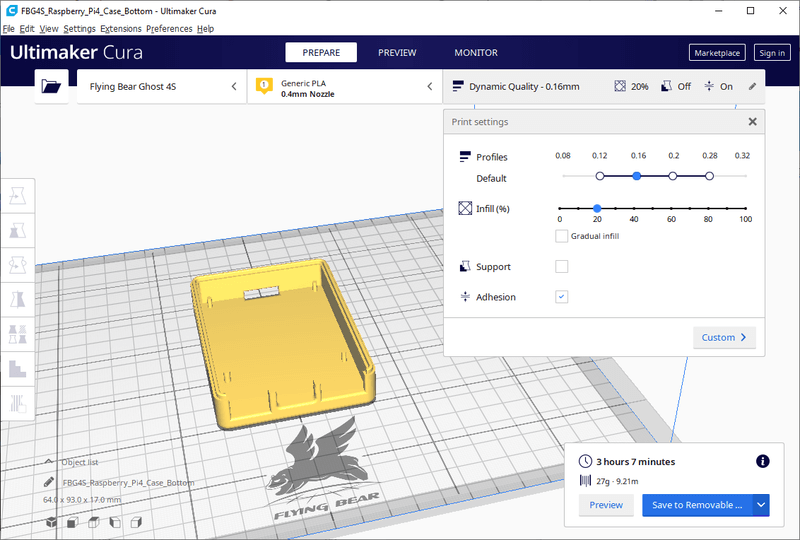
The entire process of creating a model is clearly demonstrated by the program, and intuitive tips are provided for novice users. Overall, cutting isn’t as bad as painting.
Processing
When the model is ready, it can be further processed with sandpaper or a chemical solution. This will smooth out any unevenness between layers, and the part will look like a factory one. On the Internet you can find many life hacks that will help minimize defects and improve the appearance of the model.
Printing consumables
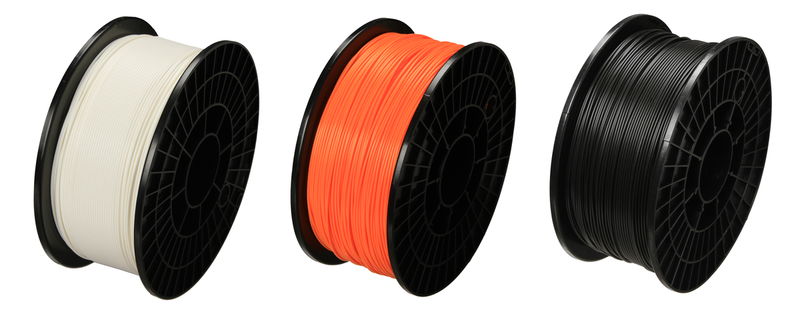
The properties of prints vary greatly depending on the source material. As mentioned earlier, FDM 3D printers use plastic filaments as consumables, and there is a lot of scope for experimenting with different types of plastic.
- PLA plastics are suitable for extrusion and can print complex shapes at a relatively low die operating temperature of 190°C. The biodegradability of PLA depends on the environment, but at the same time, what you get from PLA is not very durable.
- PETG plastic is stronger than PLA, but is also suitable for printers with temperatures around 200°C. Types of PET plastic are well known from bags and plastic bottles.
- ABS plastic is more durable than other types. However, not all models are designed for high-quality ABS printing, as the printer’s extrusion temperature must be raised to approximately 250°C and the bed heated to 120°C.
- HIPS plastic has temperature characteristics similar to ABS, but sinters less readily and is easily removed with organic solvents. For this reason, HIPS plastics are often used for printing composite models and for supporting ABS models.
- Wood plastics are produced by adding wood flour. The finished model imitates wood in both appearance and smell.
Plastic spools are available at all stages of production. Selecting the right consumables and combining different properties and colors for printing is easy.
In conclusion
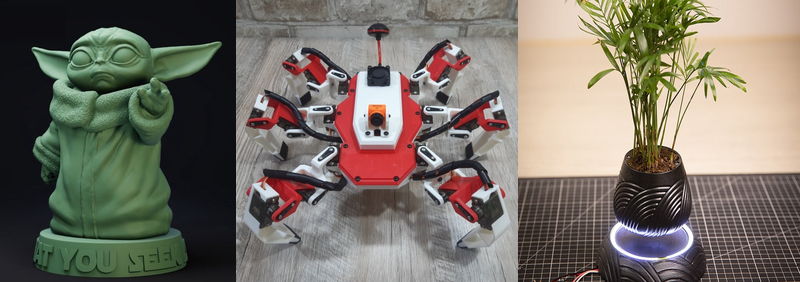
Home 3D printing is easier than you think. With a 3D printer, you can create any plastic part you can imagine, including enclosures, models, and figurines. Remember, you have a huge library of models available online. Broken vacuum cleaner nozzle or window stop? No problem! With your own 3D printer, all you need to do is get a finished model from the internet, launch the slicing program with a few clicks, and print it.